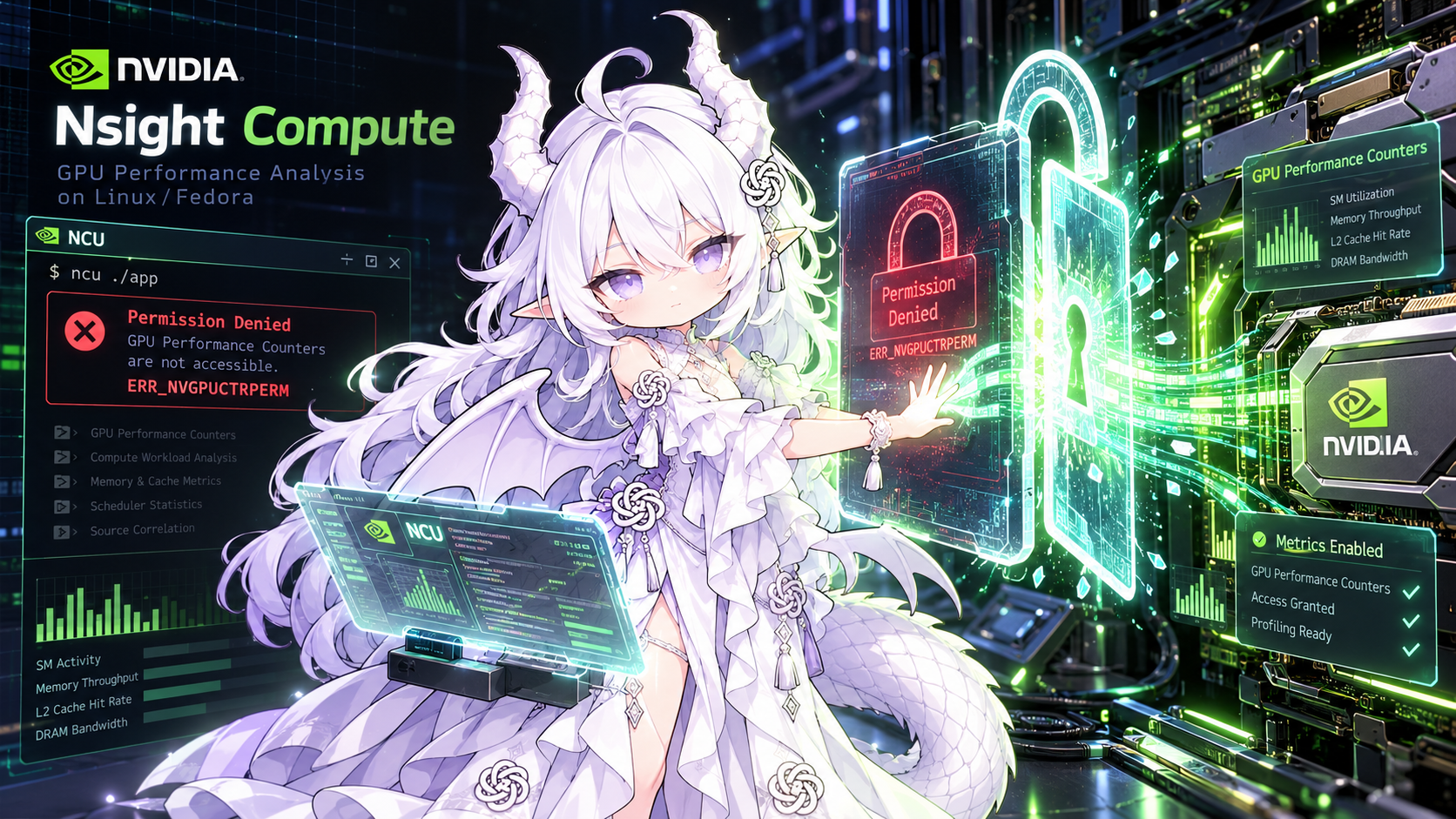
Nsight Compute:ERR_NVGPUCTRPERM 权限问题
Nsight Compute:ERR_NVGPUCTRPERM 权限问题
环境:Fedora 44 / NVIDIA Driver 615.78.08 / Nsight Compute 2026.3.1
1. 问题现象
使用普通用户执行 Nsight Compute:
ncu \
  --set basic \
  --kernel-name add_kernel \
  --launch-skip 1 \
  --launch-count 1 \
  python profiling/vector_add_ncu.py
报错:
ERR_NVGPUCTRPERM

The user does not have permission to access
NVIDIA GPU Performance Counters on the target device 0.
使用 sudo 后,NCU 可以正常 profiling:
==PROF== Profiling "add_kernel": 0%....50%....100% - 8 passes
因此已经确认:
问题来自 NVIDIA GPU Performance Counter 的访问权限,而不是 Triton kernel、CUDA、NCU 安装或 profiling 脚本本身。
2. 为什么会出现这个问题?
Nsight Compute 不只是观察 kernel timeline,而需要读取 GPU 内部的 hardware performance counters,例如:
SM throughput
Memory throughput
Occupancy
Warp / Scheduler metrics
Cache / DRAM metrics
...
NVIDIA 从 Linux Driver 418.43+ 开始默认限制普通用户访问 GPU Performance Counters。官方说明,这一限制与 2018 年披露的 GPU side-channel security issue 有关,因此普通用户在没有额外授权时运行 NCU 可能遇到 ERR_NVGPUCTRPERM。NVIDIA Developer
这也解释了为什么:
Nsight Systems
→ 很多 timeline / CUDA API 功能正常

Nsight Compute
→ hardware counter profiling 被拒绝
两者所需权限并不完全相同。
3. NVIDIA 官方解决建议
官方给出两类解决方式。NVIDIA Developer
- 临时 / 管理员方式:以
root/sudo运行 profiler;Linux 用户拥有CAP_SYS_ADMIN也可访问,R565+ 还支持CAP_PERFMON。这适合验证问题,但日常开发中每次sudo ncu并不方便。 - 给普通用户开放 profiling 权限:对于 R610+ 驱动,NVIDIA 引入了新的
nvidia-capabilities权限系统,可以按用户、组和 capability 精细授权。当前驱动615.78.08属于这一范围,因此应优先考虑该方案。 - R610+ 中和 profiling 相关的 capability 包括
profiler-context、profiler-device和trace-device。其中profiler-device包含 context 级与 device 级 profiling 权限,通常是 Nsight Compute hardware counter profiling 所需要的主要 capability。NVIDIA Developer - 旧方案
NVreg_RestrictProfilingToAdminUsers=0目前仍然存在,但 NVIDIA 已明确说明 R610 起新的 capability-based system 用于替代旧 regkey 方法,并计划在未来移除旧方法。因此新机器/新驱动不应优先采用旧方案。NVIDIA Developer
官方文档:
NVIDIA:ERR_NVGPUCTRPERM 官方说明与权限配置
NVIDIA:Nsight Compute 专门的 ERR_NVGPUCTRPERM 说明
4. 当前验证状态
普通用户 ncu → ERR_NVGPUCTRPERM
而sudo权限的 ncu → 正常
因此当前可以确定:
- NCU 安装正常
- Triton kernel 正常
- kernel filter 正常
- profiling harness 正常
- GPU Performance Counters 正常
唯一剩余问题就是,普通用户没有 profiler capability
5. 准备采用的解决方向
针对当前 R615 驱动,计划按照 NVIDIA 官方 R610+ capability 方法:
查询 profiler-device 对应的 capability node
        ↓
确保 /dev/nvidia-caps 节点存在
        ↓
只给当前开发用户授予 profiler-device 读取权限
        ↓
避免向所有普通用户开放全部 GPU counters
        ↓
验证普通用户直接执行 ncu
6. 实际解决方案
6.1 推荐处理方式
注意: agent时代,不应该以博客的所以命令为主,直接复制是不对的,应该结合本地情况+agent,这样实际上一个prompt/skill反而是对的
如果在其他 Linux / NVIDIA 设备上再次遇到 ERR_NVGPUCTRPERM,不建议直接照抄本机的 device minor 或权限命令。可以先把下面这段 prompt 交给本地 Agent,让它结合当前驱动版本和设备状态处理:
请排查 Nsight Compute 报错
ERR_NVGPUCTRPERM。先查阅 NVIDIA 官方关于ERR_NVGPUCTRPERM和 GPU Performance Counter 权限的最新说明,确认当前 NVIDIA Driver 使用的是旧的NVreg_RestrictProfilingToAdminUsers机制还是 R610+ 的nvidia-capabilities机制。然后检查本机驱动版本、/proc/driver/nvidia-caps/sys-minors、/proc/driver/nvidia/capabilities/profiler-device、/dev/nvidia-caps/,以及nvidia-modprobe、setfacl是否可用。优先采用 NVIDIA 官方推荐的最小权限方案,只给当前用户授予 Nsight Compute 所需的 profiling capability,不要默认向所有普通用户开放 GPU Performance Counters。修改前先说明准备执行的操作,修改后验证普通用户能否直接运行ncu。
6.2 本机实际处理
本机环境:
Fedora 44
NVIDIA Driver 615.78.08
Nsight Compute 2026.3.1
查询 capability:
cat /proc/driver/nvidia-caps/sys-minors
cat /proc/driver/nvidia/capabilities/profiler-device
ls -l /dev/nvidia-caps/
关键输出:
profiler-device 4324
profiler-context 4325
trace-device 4326
DeviceFileMinor: 4324
DeviceFileMode: 256
DeviceFileModify: 1
对应节点:
cr--------. 1 root root 510, 4324 ... nvidia-cap4324
因此给当前用户 boran 增加 profiler-device 读权限:
sudo setfacl -m u:boran:r /dev/nvidia-caps/nvidia-cap4324
验证:
getfacl /dev/nvidia-caps/nvidia-cap4324
输出包含:
user::r--
user:boran:r--
group::---
mask::r--
other::---
随后禁止 NVIDIA 用户态工具重新修改该 capability device node 的权限:
echo "DeviceFileModify: 0" | \
  sudo tee /proc/driver/nvidia/capabilities/profiler-device
验证:
cat /proc/driver/nvidia/capabilities/profiler-device
输出:
DeviceFileMinor: 4324
DeviceFileMode: 256
DeviceFileModify: 0
最后以普通用户重新运行 Nsight Compute:
ncu \
  --set basic \
  --kernel-name add_kernel \
  --launch-skip 1 \
  --launch-count 1 \
  -o results/ncu/week2/vector-add-basic-user \
  .venv/bin/python profiling/vector_add_ncu.py
成功输出:
==PROF== Connected to process ...
==PROF== Profiling "add_kernel": 0%....50%....100% - 8 passes
==PROF== Disconnected from process ...
==PROF== Report: .../results/ncu/week2/vector-add-basic-user.ncu-repz
这样,普通用户已可以直接使用 NCU 获取 GPU Performance Counters。
重启或 NVIDIA 驱动模块重新加载后的权限持久性尚未验证,后续如有变化再补充。